Skip to content
Built for developers, servers & AI-assisted machines

BulwarkSecurity scanner for developer machines

Finds the keys in plain text, the risky packages and the exposed dev services on your Linux computer, explains each problem in plain language, and fixes most of them in one click.

Apache-2.0100% local — no telemetryUbuntu · Fedora · Debian · Arch
93built-in checks
10AI coding assistants covered
1page per check, with the fix
0network calls

What Bulwark checks

What attackers look for on a developer machine

Stolen keys and poisoned packages are how most developer compromises start. Bulwark looks where those attacks look first, then checks the rest of the system. Everything runs on your computer.

New in 0.11

Secrets, supply chain and exposed services

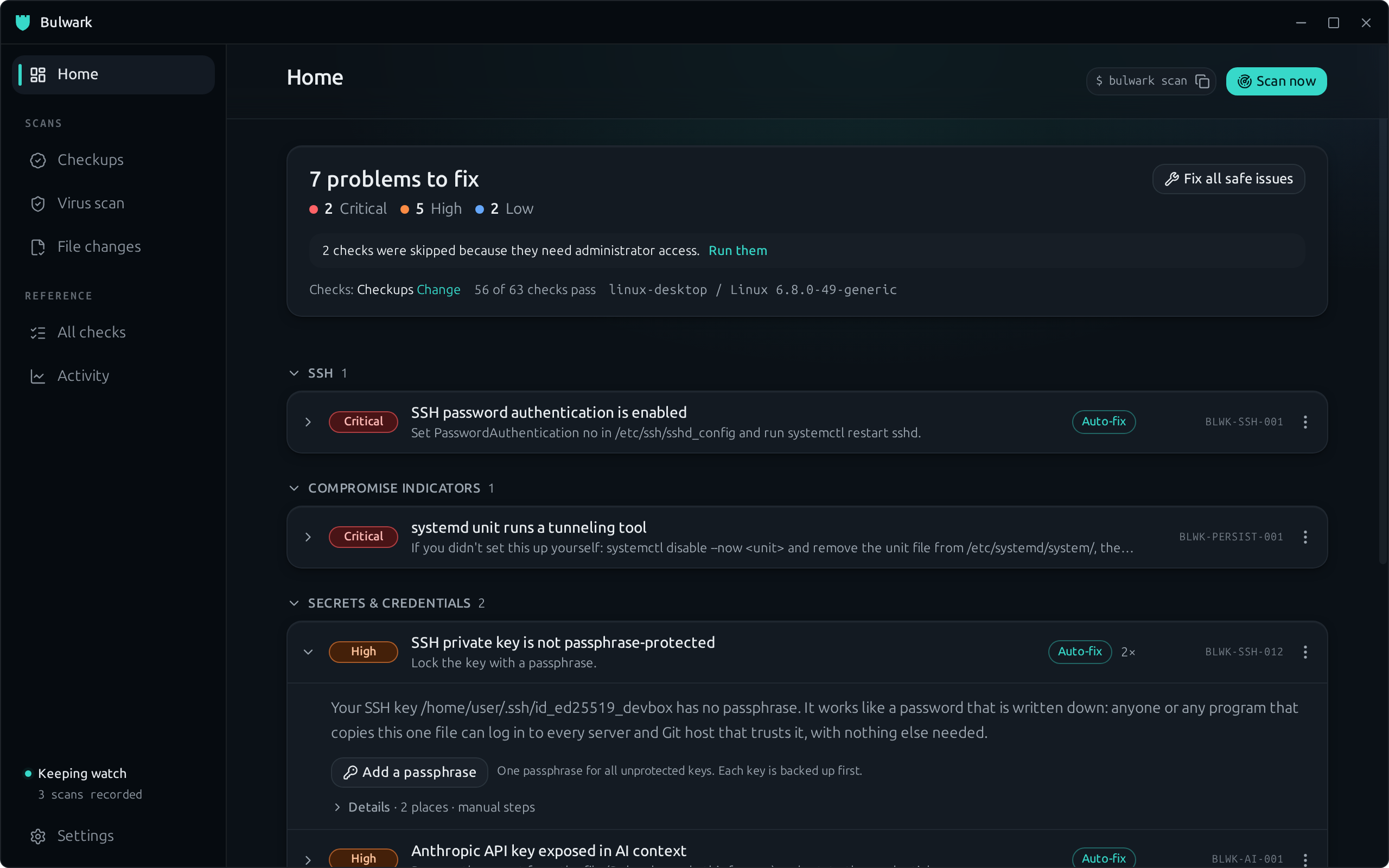
Long-lived AWS keys, Git and Docker passwords stored in plain text, SSH keys without a passphrase, and credential files other users can read.

Python startup hooks and known malicious-package traces, unpinned MCP servers, and dev databases listening on every network interface.
Each finding comes with a safer alternative, such as a password manager, a credential helper or a hardware key.

AI coding assistants

Keys pasted into Claude Code, Cursor, Copilot, Codex or Gemini sessions and memory, and settings a prompt injection could abuse: auto-approve, project hooks, malicious MCP servers.

One-click fixes

Add a passphrase to every unprotected SSH key, remove a leaked key from a session file, tighten ~/.ssh and sshd_config. You preview every change first, and a backup is kept.

Problems, not a wall of findings

Six unprotected keys are one problem with one fix, not six alerts. Each problem shows its cause and what to do, and every check has a page with the full explanation.

OS hardening and malware

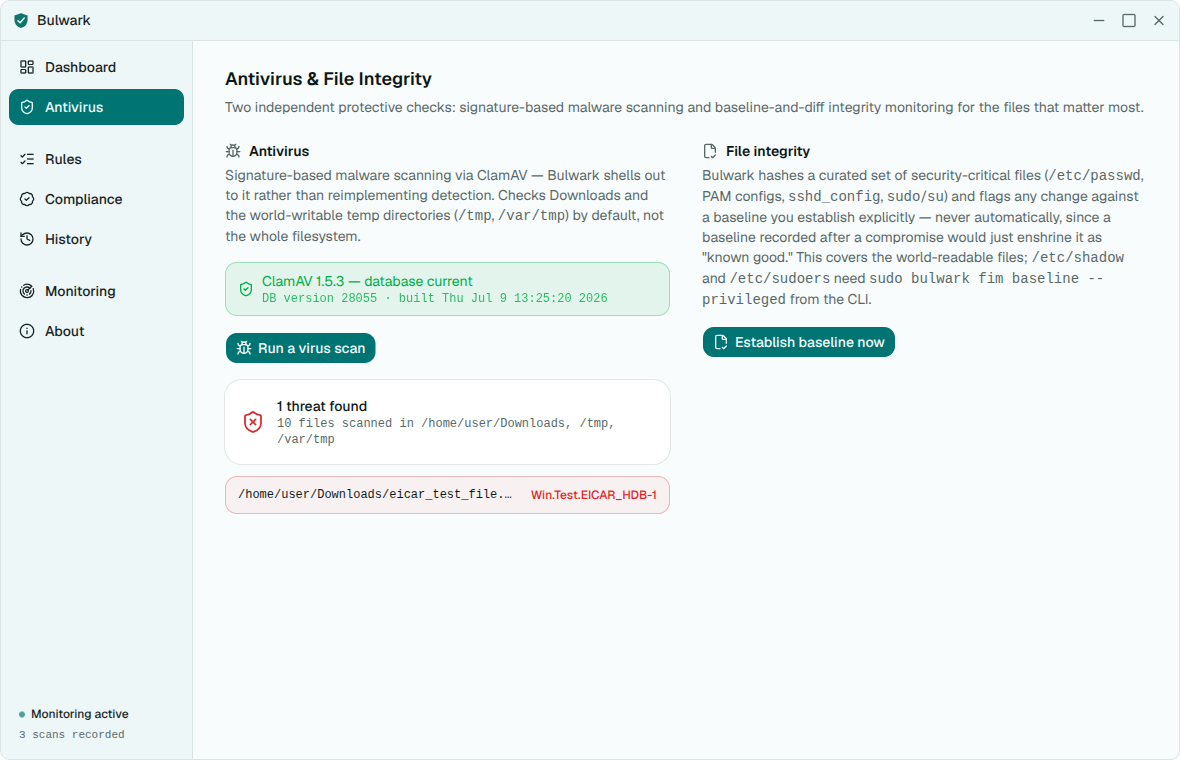
SSH, sudoers, kernel and firewall settings, persistence and rootkit indicators, file-integrity changes, and ClamAV virus scanning with live progress.

Desktop app and CLI

One Rust engine, two front-doors. Run bulwark scan in a terminal, or bulwark scan --ssh user@host to check a server over your existing SSH.

Continuous and fully local

A background loop re-checks on a schedule and speaks up only when something new appears. No account, no telemetry, no network calls.

How it works

Scan, understand, fix

01

Scan

Click Scan now, or run bulwark scan. Configuration, secrets, AI assistants and viruses are all checked in one pass.

02

Understand

Problems are grouped by cause and ranked Critical to Low. Each one says why it matters in a sentence, with the full story on its check page.

03

Fix

Use the one-click fix when there is one, or follow the numbered steps with copyable commands. Every automatic change is previewed and backed up.

Make it yours

Light, dark, and your colours

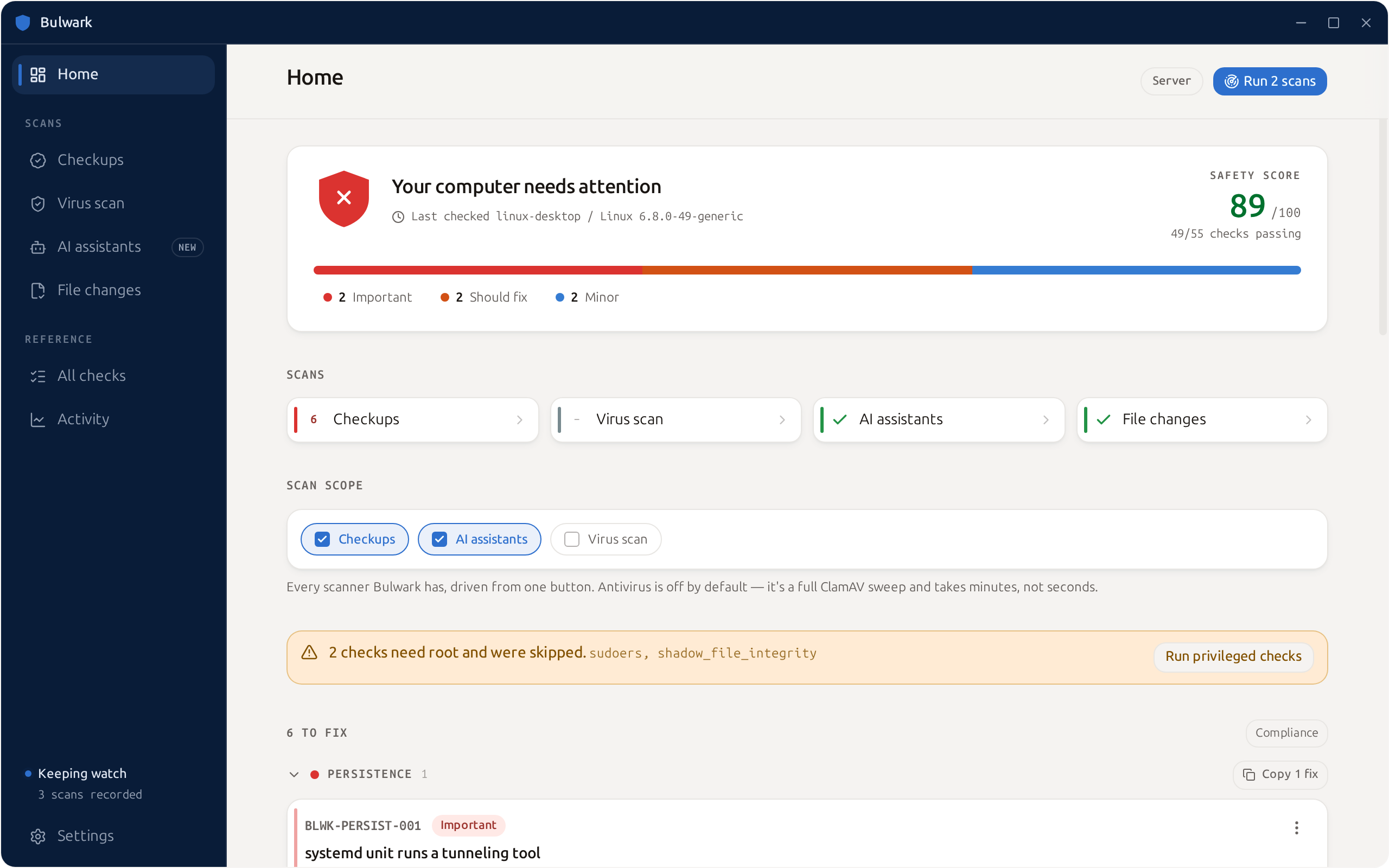
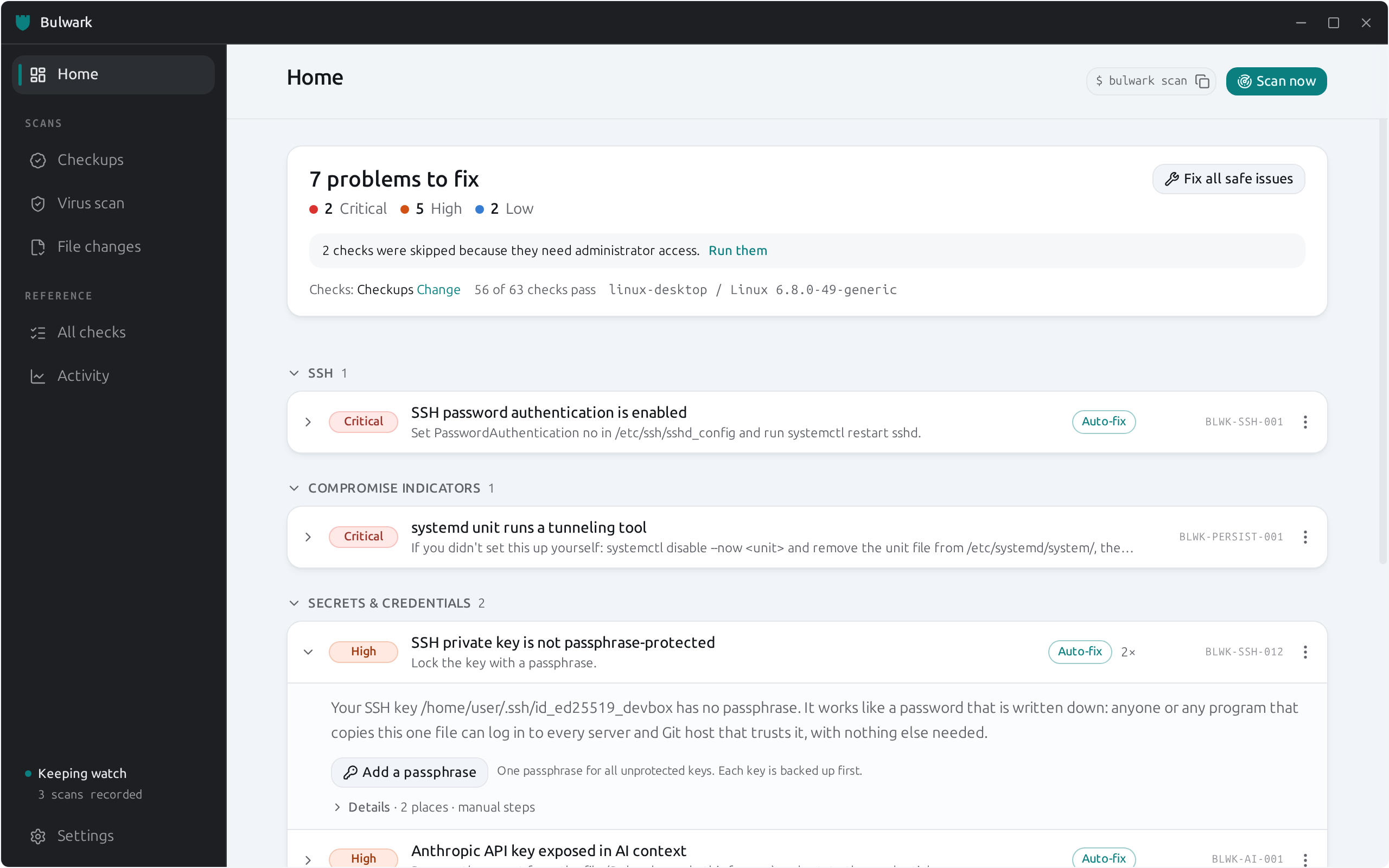
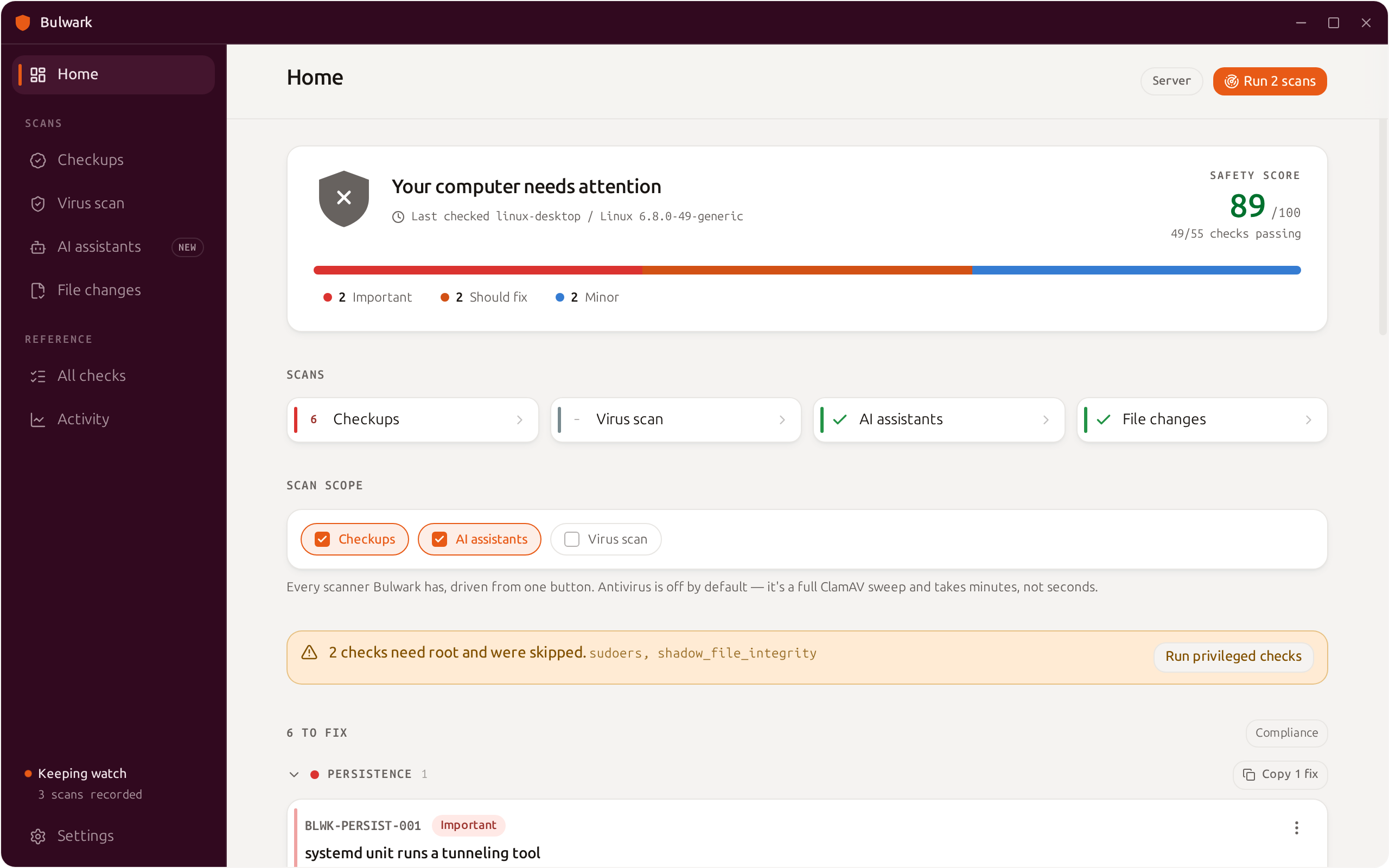
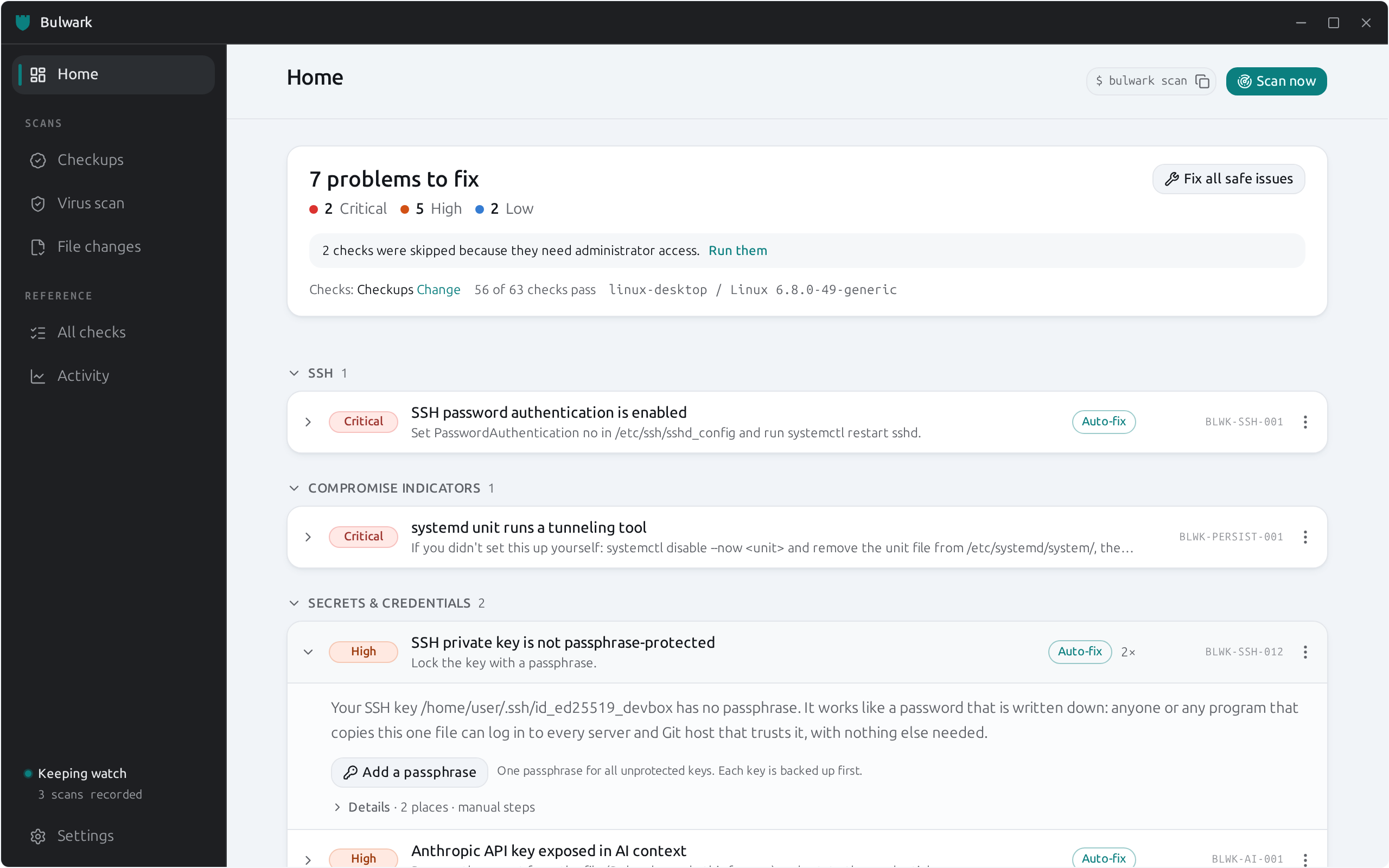
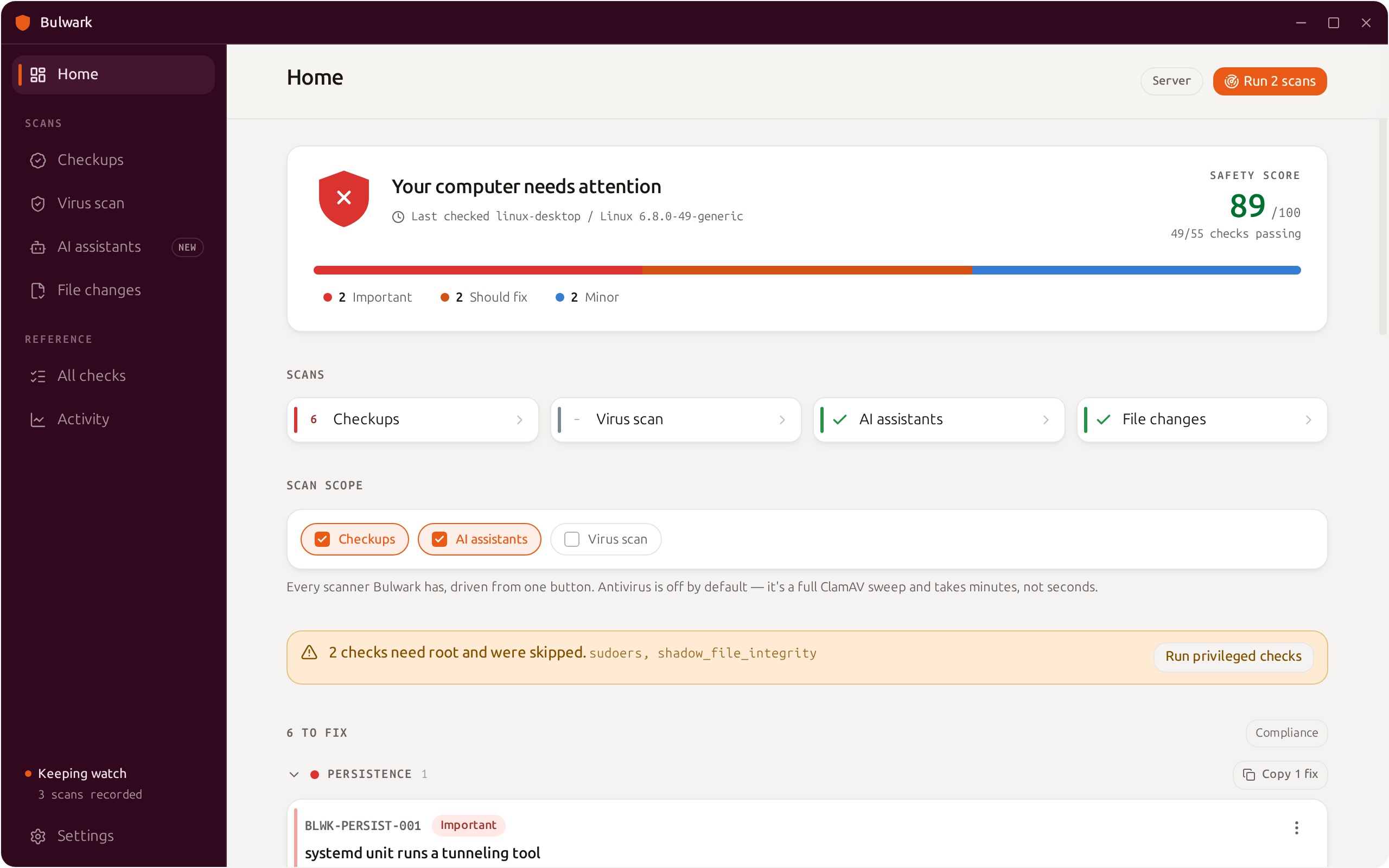
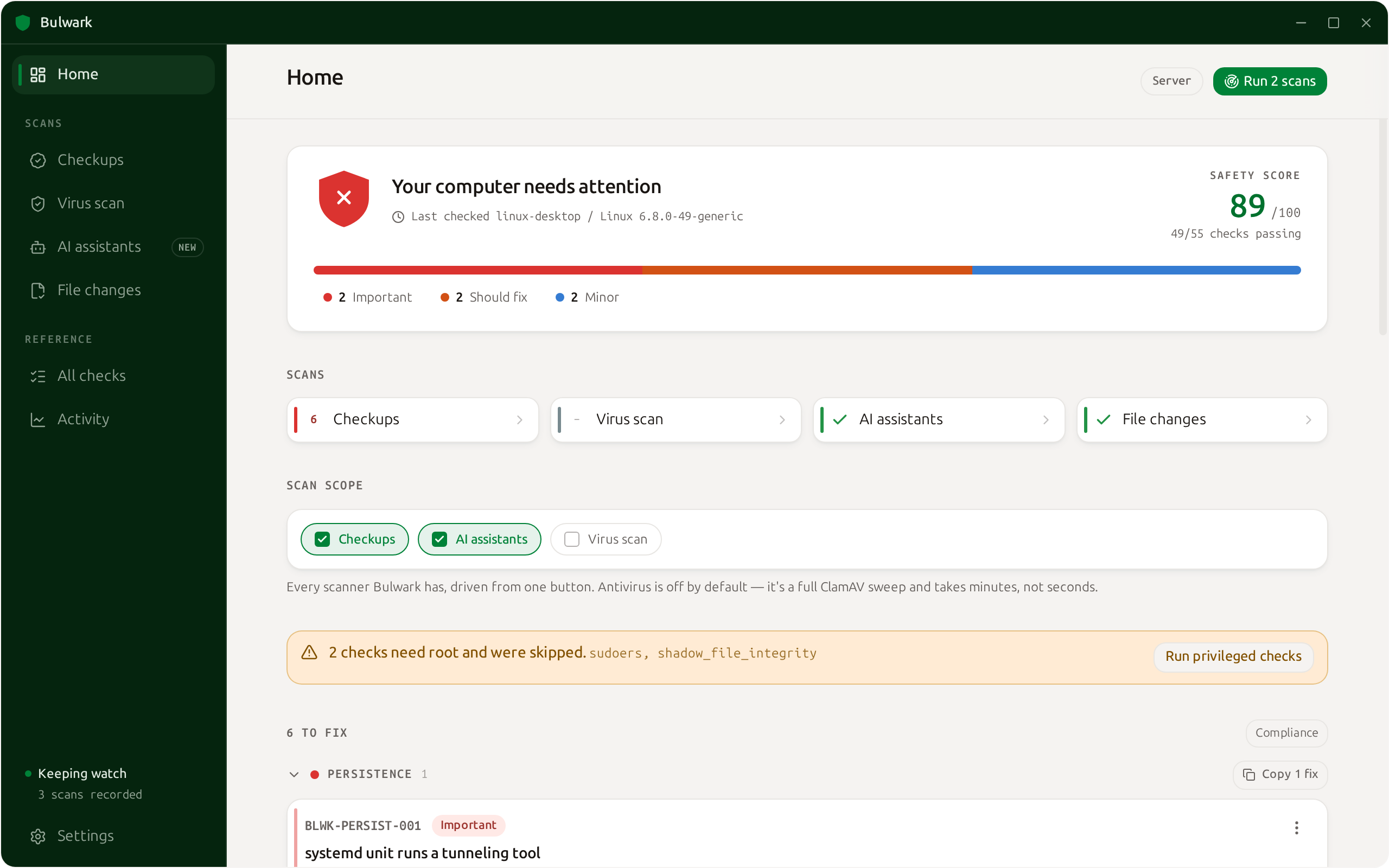
Aqua on graphite by default, with eight accents and six sidebar colours, in light or dark.

Bulwark with an orange accent on an aubergine sidebarBulwark with a green themeBulwark with a blue themeBulwark with the default aqua on graphite theme

A closer look

See it in action

Find the keys and holes attackers look for first.

Free, open source, and everything stays on your computer.

Released under the Apache License 2.0.