Skip to content
Built for developers, servers & AI-assisted machines

BulwarkSecurity & antivirus for your Linux computer

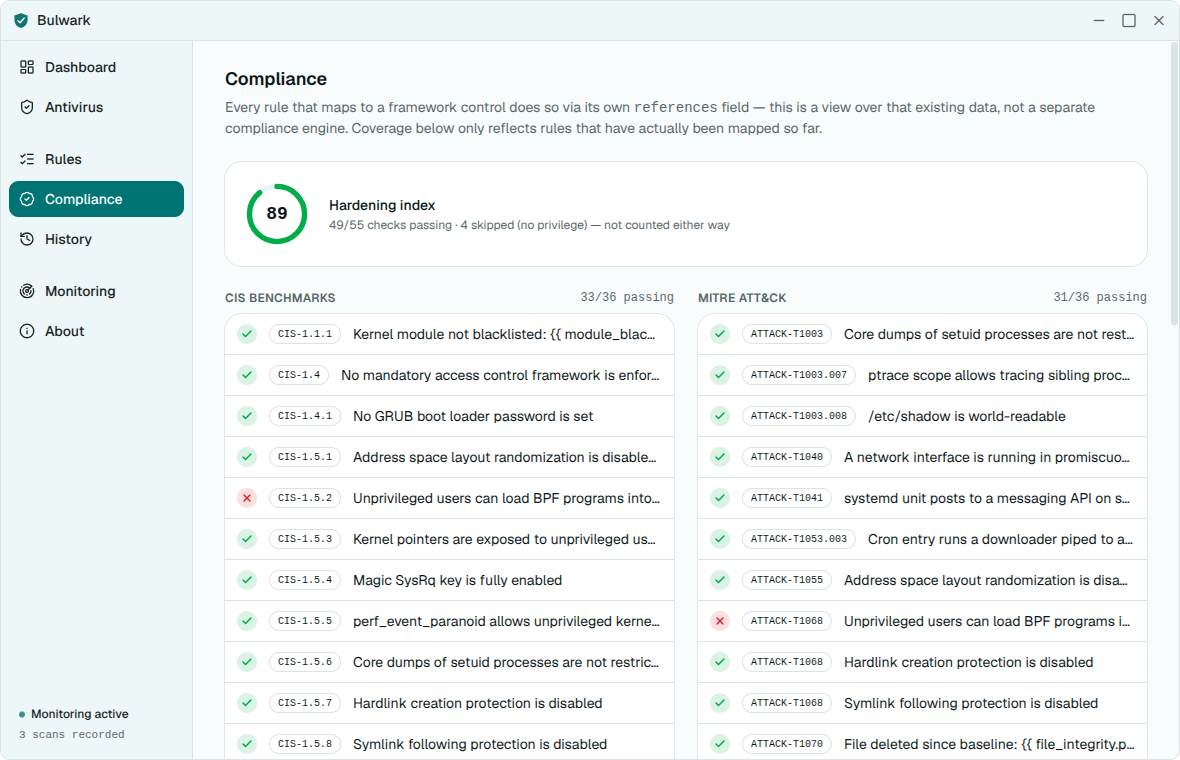
Checks your machine's real configuration, scans for viruses, and watches your AI coding assistants — then explains every finding in plain language, with a one-click fix.

Apache-2.0100% local — no telemetryUbuntu · Fedora · Debian · Arch
85built-in checks
11security categories
5AI assistants watched
0network calls

What Bulwark does

One scan, your whole machine

From SSH keys and sudoers to leaked API keys in your AI assistant's memory — every check runs locally and explains itself in plain language.

What sets Bulwark apart

AI coding-assistant security

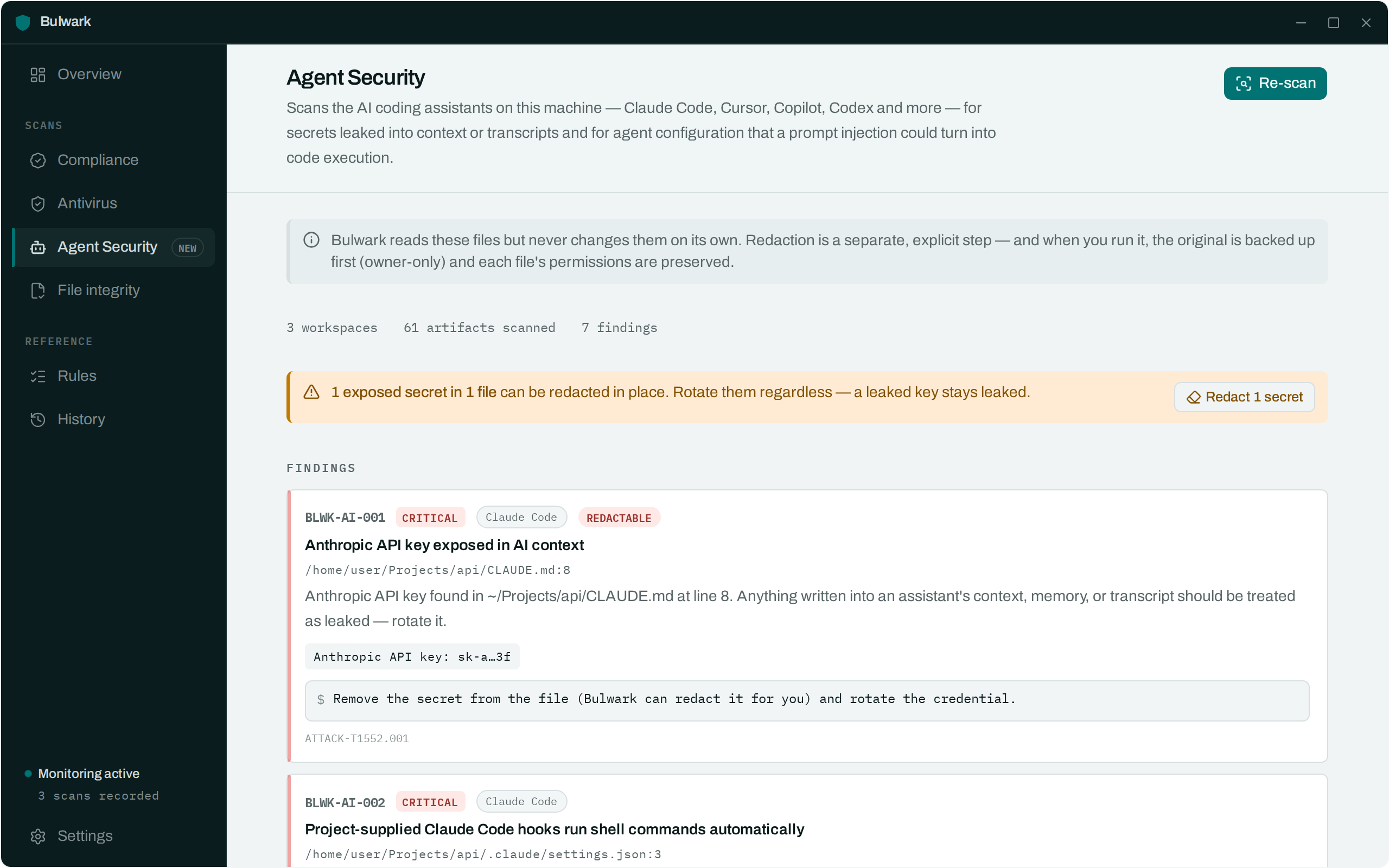
Scans Claude Code, Cursor, Copilot, Codex and Gemini for secrets leaked into transcripts and memory — and for agent config a prompt injection could turn into code execution: malicious MCP servers, auto-approve "YOLO mode", the Rules File Backdoor.
20 checks mapped to real CVEs · opt-in redaction

One-click fixes

Tighten ~/.ssh permissions, harden sshd_config, add a passphrase to every unprotected key, redact leaked secrets — dry-run first, reversible, with a backup.

Real virus scanning

Full ClamAV integration with live per-file progress, engine and database age, and a distro-aware install command when it's missing.

Plain-language, not jargon

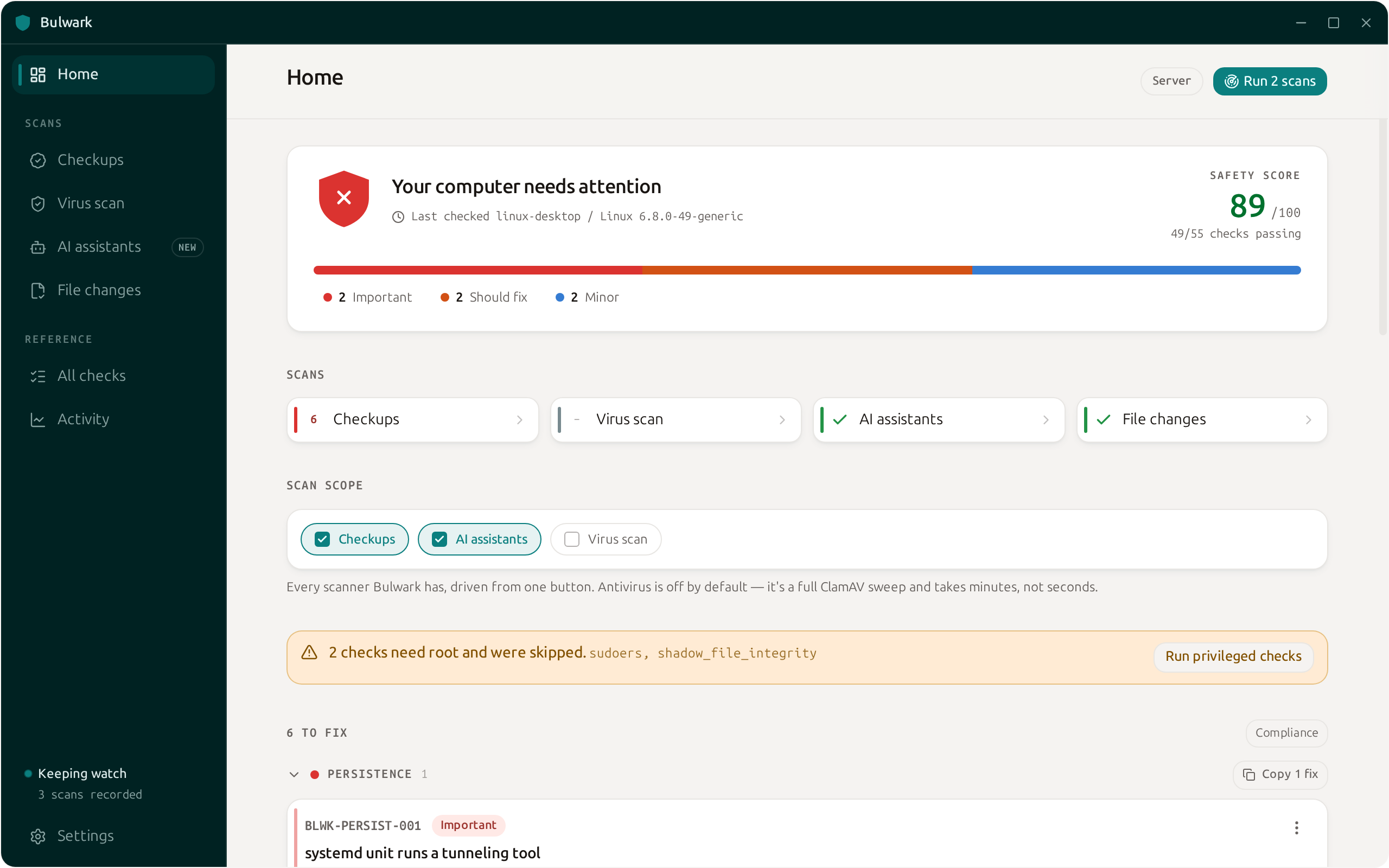
"Your computer needs a little attention" — not a wall of CVE IDs. Every issue is ranked and names the exact file to change, with a Safety score for the whole machine.

Continuous, fully local

A background loop re-scans on a schedule and speaks up only when something new appears. No network calls, ever — your history lives in a local database.

Scan the fleet over SSH

bulwarkctl scan --ssh user@host checks another machine over your existing SSH — keys, agent and jump hosts included. One laptop, every server.

Native CLI and desktop app

One Rust engine, two front-doors: a terminal on a headless box, or a themable desktop app. Same rule pack, same local history.

How it works

Scan, understand, fix

01

Scan

One click runs every check you enable — system configuration, viruses, and your AI coding assistants. No account, no setup.

02

Understand

Findings are sorted Important → FYI, each named to the exact file or setting, with a Safety score that tells you where the whole machine stands.

03

Fix

Apply the safe fixes with a dry-run and a backup, or copy the exact command. Every change is reversible by design.

Make it yours

One app, your colours

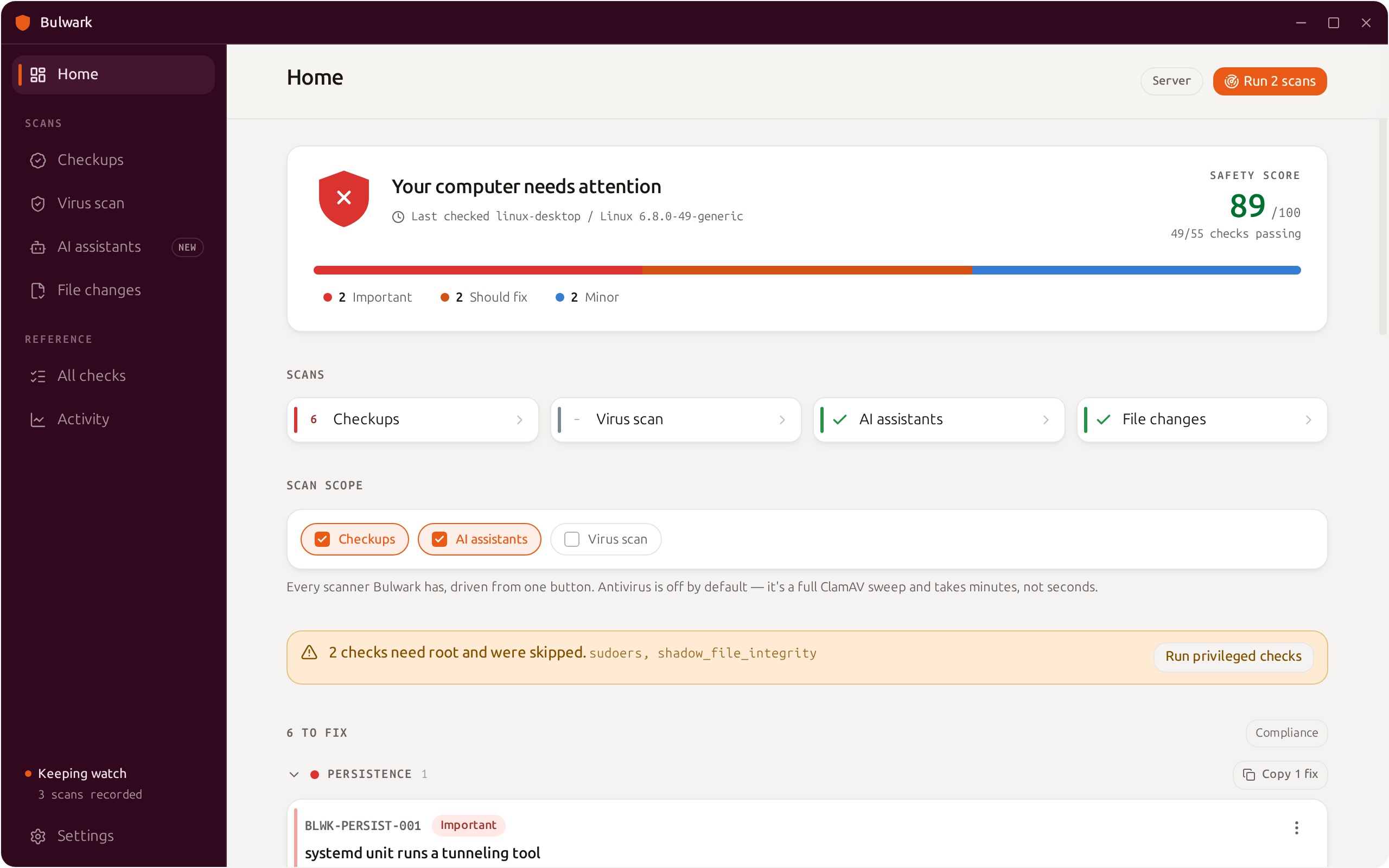
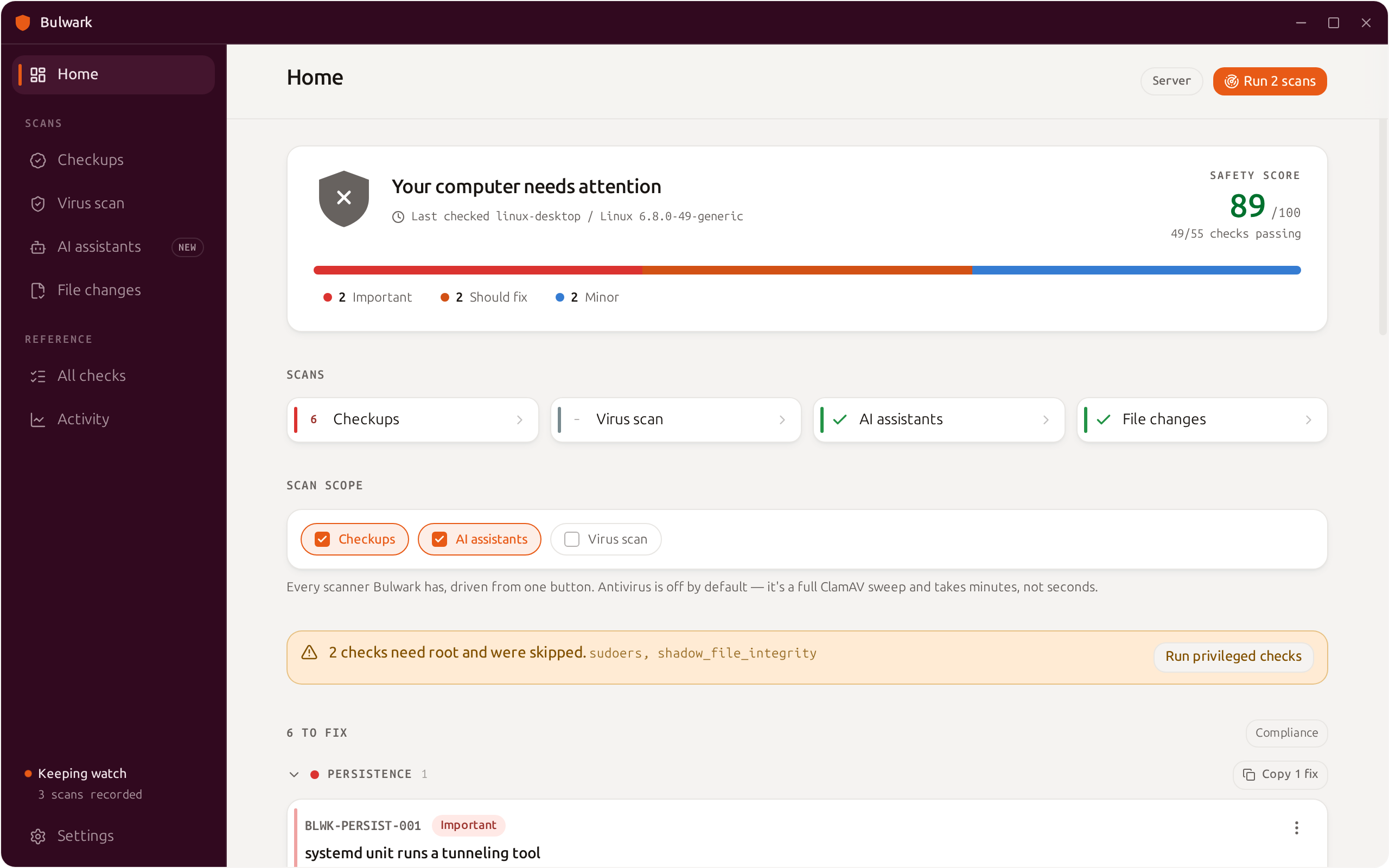
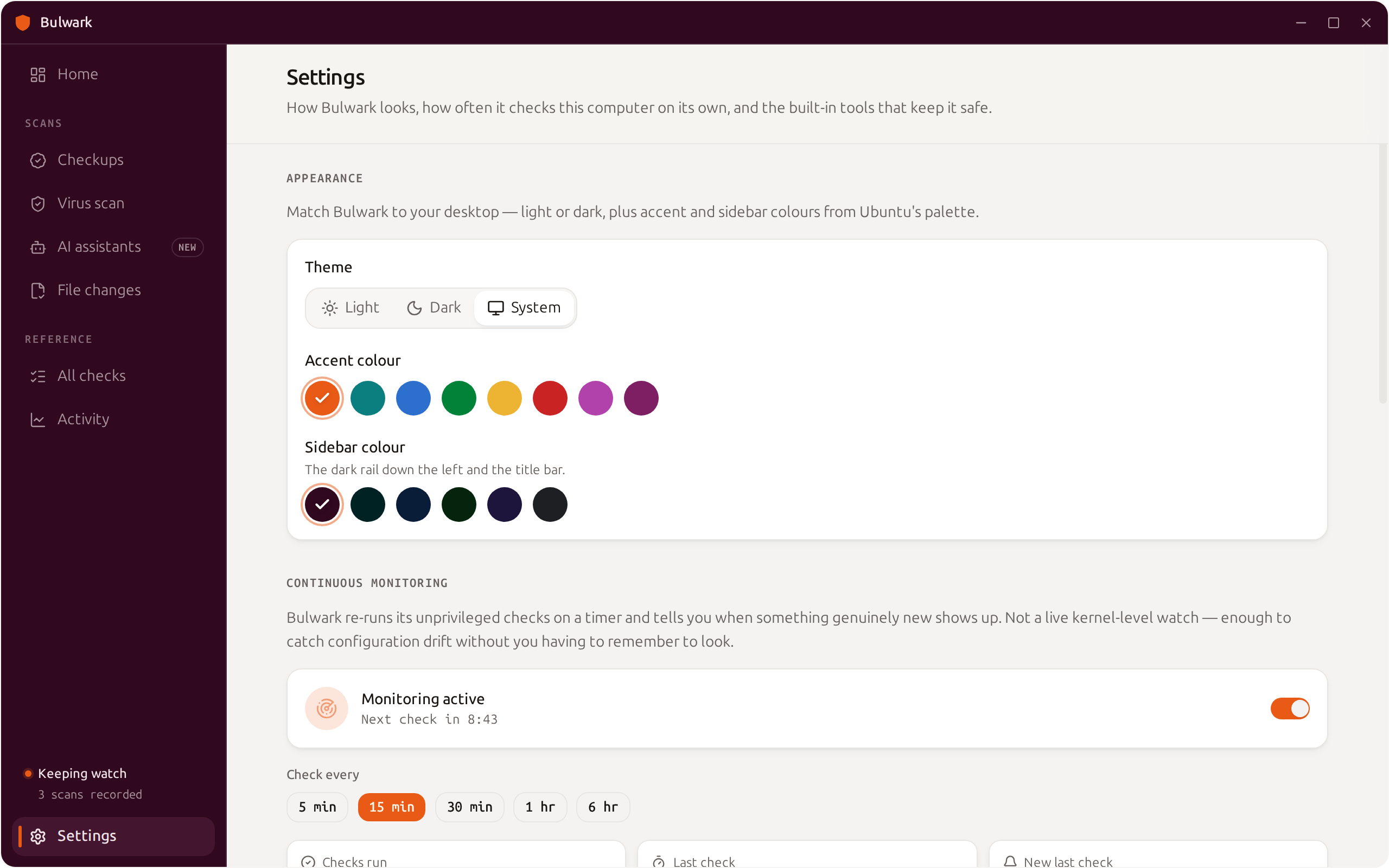
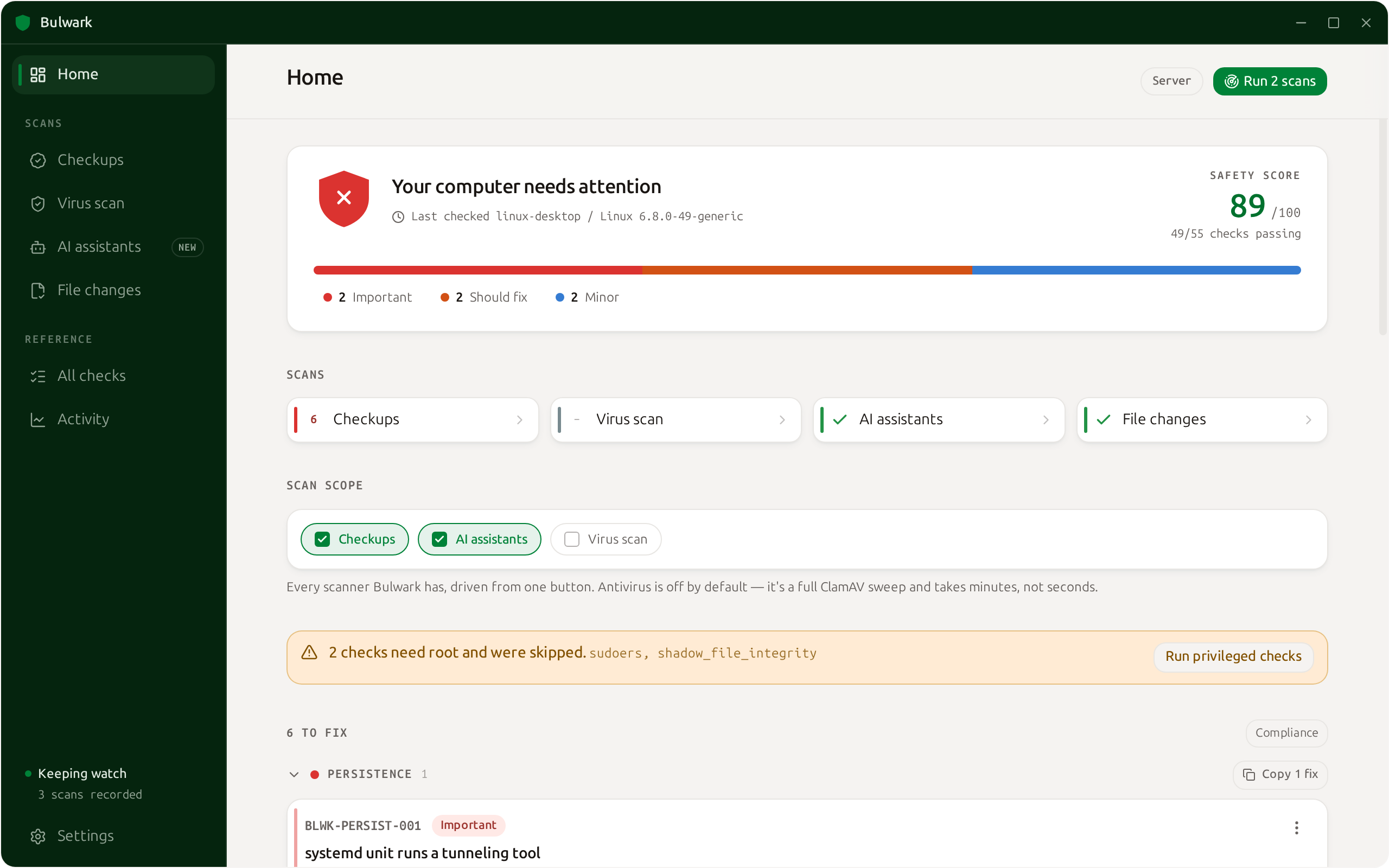
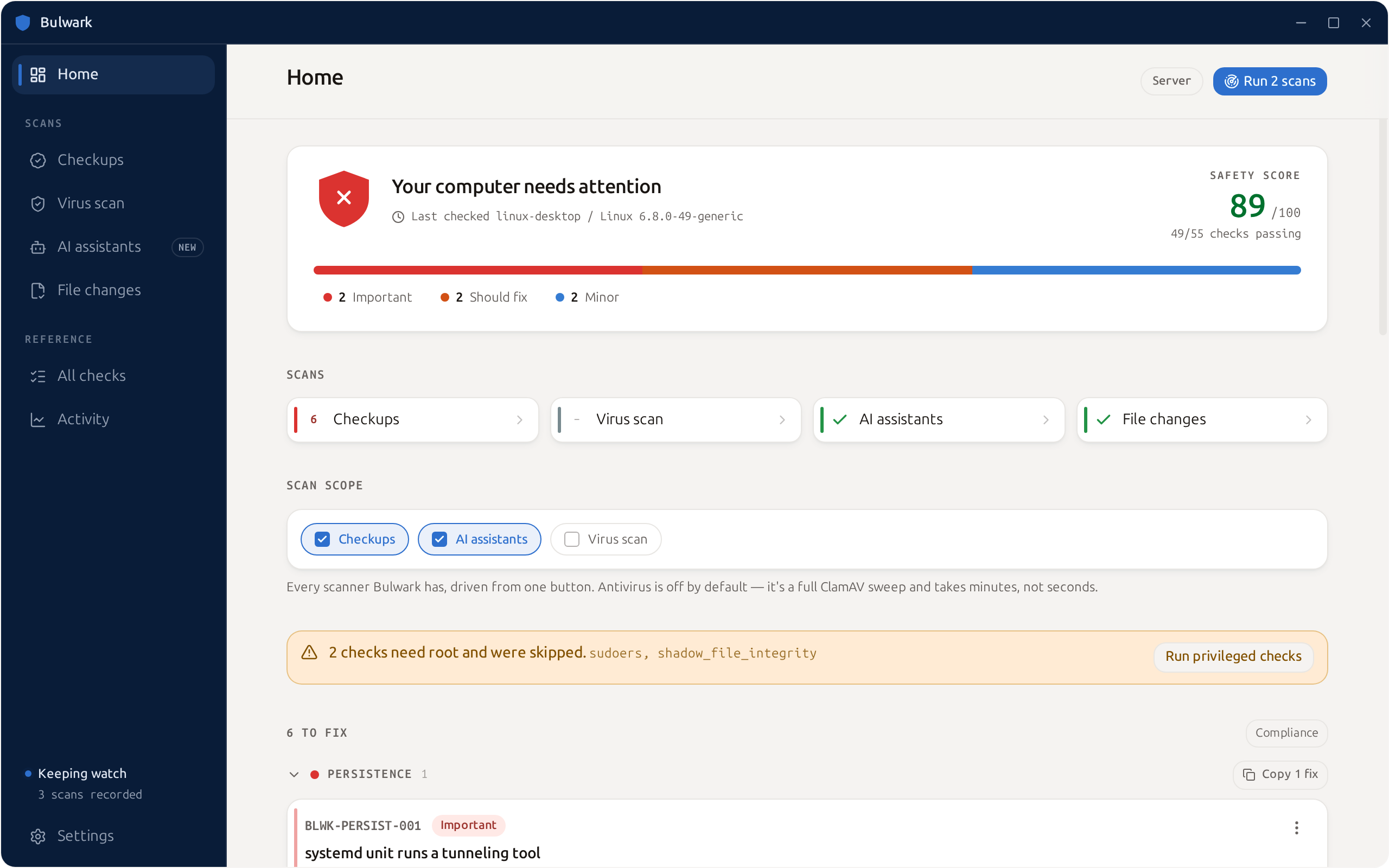
Light or dark, with an accent and sidebar colour you pick. Bulwark is built to look like part of the desktop it protects — not a visitor.

Bulwark with a green themeBulwark with a blue themeBulwark with a teal themeBulwark with the default aubergine theme

A closer look

See it in action

Harden your Linux machine in one scan.

Free, open source, and everything stays on your computer.

Released under the Apache License 2.0.